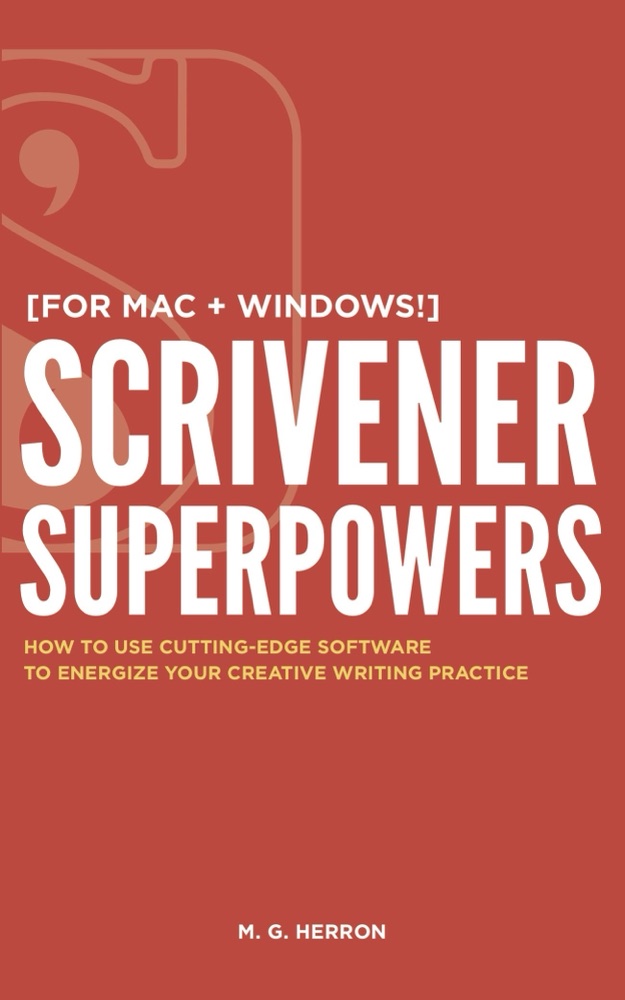
Scrivener Superpowers
Scrivener Superpowers, by M.G. Herron

The book by M.G. Herron

Scrivener Superpowers

Rated 4.1 out of 5 by 227 readers on Amazon.

Scrivener is the writer’s workspace: your whole book, your notes, your characters, and your research in one place. This book shows you how to use all of it, on Mac and Windows, from a blank project to a finished, compiled book.

“Before you write your next book, read this one first. I highly recommend Scrivener to authors, but it can be a little hard to learn. Finally, we have a guide worthy of the work ahead of us.”

Jeff Goins, Wall Street Journal bestselling author

From the author

Why Matt wrote the book

A couple of years before I wrote this book, I reached a low point in my writing practice the likes of which I had never seen. In this time of deep soul searching, I discovered that the biggest names in indie publishing were raving about a writing program called Scrivener. I was desperate, so I decided to give it a try.

What I discovered changed my life.

I had used other word processors before. At a basic level, they all allow you to type words and customize the appearance of those words on the page. But I soon realized Scrivener was designed to help writers do exactly what I found myself incapable of doing when I discovered it: stay organized and finish your book.

When I talk about Scrivener, though, I usually hear things like, “Oh, I tried that and gave up. Too complicated!” Scrivener doesn’t behave like the word processors most people are used to, and who has the time to wade through hours of technical manuals figuring it all out?

I’ve helped many writers get over that learning curve in my workshops, and with this book I can help you do the same.

M.G. Herron
What’s inside

From a blank project to a finished, compiled book.

  1. Why Scrivener

    How Matt got past writer’s block, and why a nonlinear workspace beats a scroll of pages.

  2. How authors use it

    Joanna Penn, Rachel Aaron, Gwen Hernandez, Garrett Robinson, Simon Whistler, and Joe Bunting.

  3. Plan the story

    The interface, structure, character and setting sketches, and the corkboard.

  4. Write the draft

    Matt’s process from the first scene to THE END, with targets that keep you going.

  5. Stay organized and revise

    Labels, status, keywords, snapshots, and revision modes for the second draft.

  6. Compile and go further

    Turn the project into an ebook or a manuscript, plus tips for pros and your own templates.

Every chapter for Mac and again for Windows.

What readers say

“Matt’s book will help those new to Scrivener make the most of its features without getting overwhelmed.”

Joanna Penn, New York Times bestselling author

“It’s all here: what the program does, how to use it, how to access the ‘secret’ features.”

K.M. Weiland, Amazon bestselling author

“It’s more than just a reference manual, it’s a solution to your writing problems.”

Bryan Hutchinson, Amazon bestselling author

“So good, and so easy to read, that I’ve decided to write my next novel in Scrivener!”

Michael Bunker, USA Today bestselling author

Free with the book’s method

Start your novel in a Scrivener project that’s already set up.

Matt’s No Nonsense Novel Template: folders for characters, settings, research, and cut scenes, character and setting sheets, a nine-point outline, and front matter for your manuscript, ebook, and print edition.

For Scrivener on Mac and Windows. It comes by email, as a download.

You have saved my life!! Or at least my novel. Linda Tzoref, on the template

Write your next book with every superpower Scrivener has.